

Question
How to unplug a Tesla Charger?
To unplug the Tesla charger, first make sure that the car is unlocked and not charging.
You can check that using the touchscreen. Tap ‘stop charging’ if needed. If you’re using a standard charger, press and hold the button on the handle until the LED changes color, then pull it out.
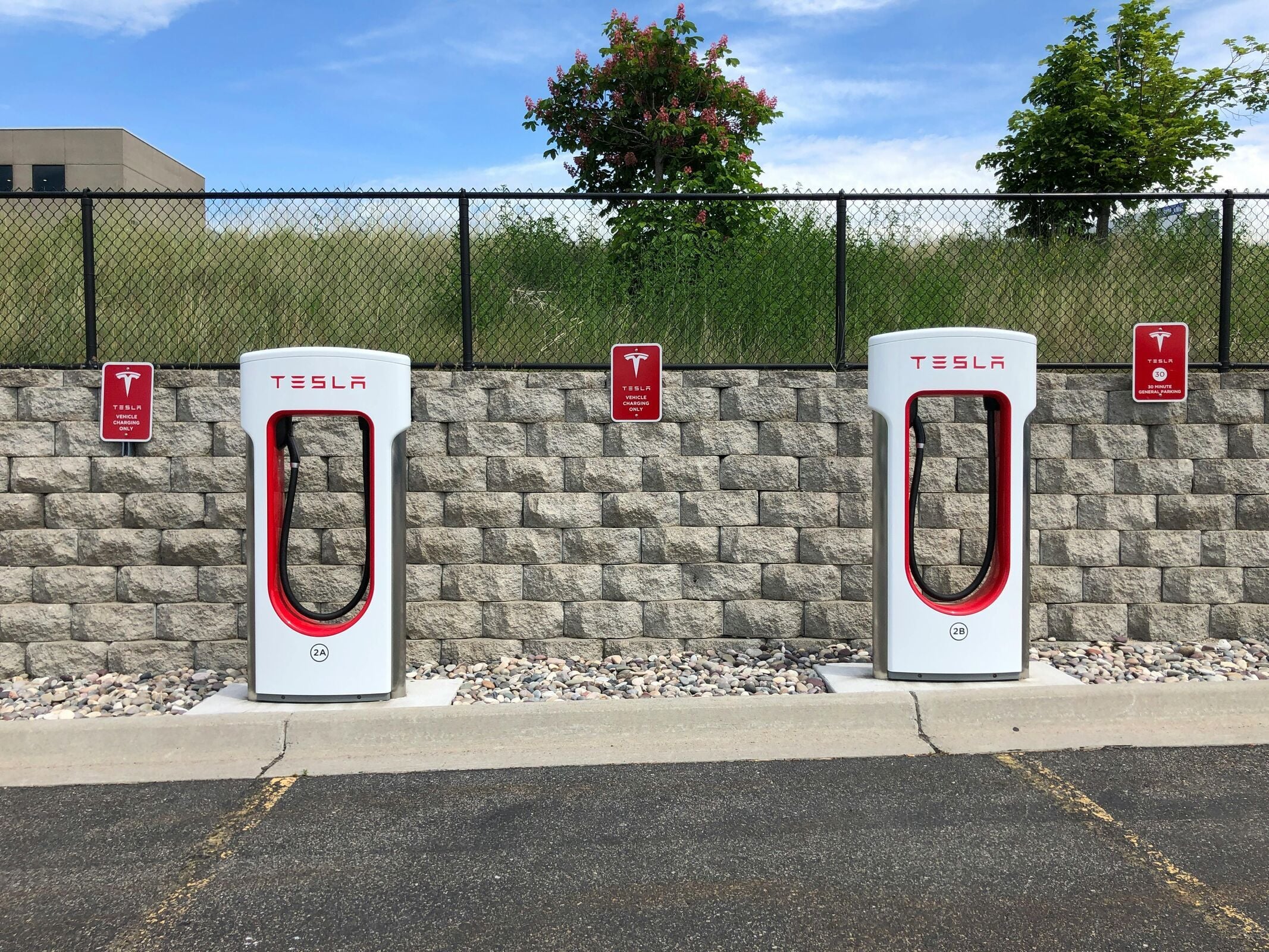
With a Tesla adapter, hold both the handle and adapter, press the button, and pull them together. If the adapter and handle separate, unlock the charging port on the touchscreen before removing the adapter. You can also release the charger using the touchscreen, app, or key fob’s trunk button.
Manually unlocking the charge port via the trunk release lever should be the last option. Never do this while charging or while pulling the cable. Refrain from closing the charging port door manually, as it closes automatically.
Start now and save up to $971 a year!


Way.com Services
Simple. Fast. Free.
Get affordable rates from trusted insurers in just a few clicks.

Upload
Provide your existing policy information

View
Get instant, accurate quotes with no hidden fees

Compare
See how your coverage stacks up against leading insurers

Switch & Save
Lock in your new rate; we’ll cancel your old policy

