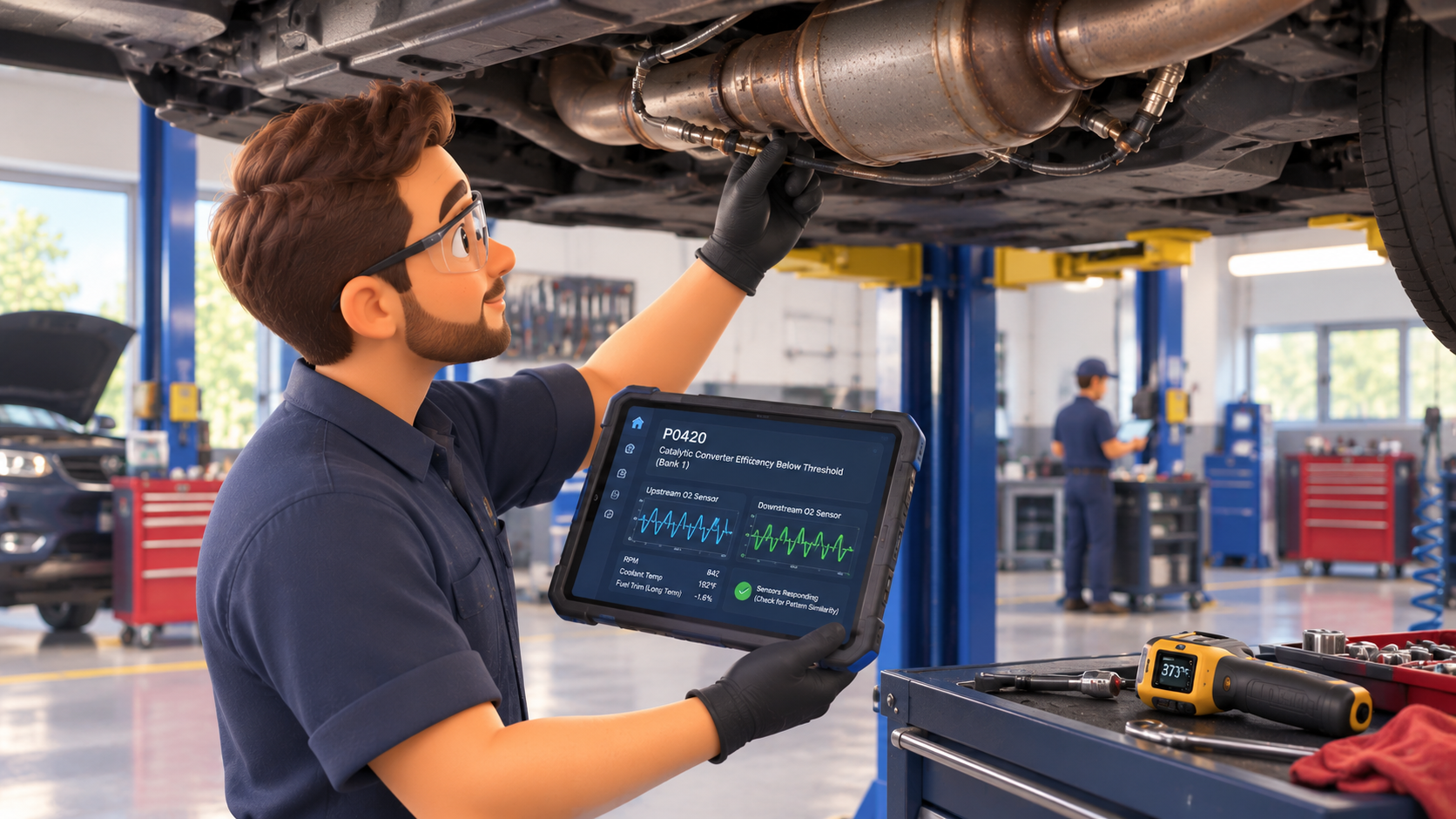
How can I find reliable auto repair shop management system?
A good demo can hide a bad fit. Here’s how to compare auto repair shop management software by features, pricing, and reliability, so you pick one that still works for you when the busy season hits.
October 15, 2026 · Shiva KumarLinkedIn profile of Shiva Kumar · 7 minutes read


A common mistake shop owners make when choosing shop management software is watching a demo, being amazed by the cool features, running with it for a few months, and realizing during a busy season that the software doesn’t fit how the shop is actually run. By the time they figure it out, switching to different software is a headache.
Why choosing reliable shop management system is important in 2026
One of the biggest challenges that the automotive industry is facing is a technician shortage, which means you can’t afford to waste your team’s time on the wrong software. Cars are getting more complex, parts come from more vendors, and the number of stock-keeping units (SKUs) keeps growing. Customers also expect more transparency than ever, which is exactly why Digital Vehicle Inspection isn’t something to compromise on. Choose the wrong software, and you’ll lose money and time you won’t get back. We’re talking about data migration headaches and being stuck in a contract you can’t get out of.
Start with your shop
When you search for auto repair shop management software, it’s so easy to get lost in the different options available. So, even before looking at software, you first need to look at your repair shop. Did you just open for business? Are you already using a shop management system and thinking about switching to another one? Or are you managing too many separate tools for parts ordering and accounting and want everything in one system? Once that’s clear, the next step is to consider your shop’s size.
Which category does your shop fit into?
- Single-bay or small shop: For a shop that’s just starting out or running on a smaller scale, you want something simple and affordable that your team can learn quickly.
- Mid-sized, growing shop (around three to five bays): You need good scheduling and communication tools because that’s where things tend to slip first as business picks up.
- Multi-shop If you own multiple locations, you’ll need centralized reporting to see how each shop is performing.
- Fleet: If you run a shop that primarily serves fleets, account billing and vehicle history tracking are non-negotiable.
How much will it cost?
Then, of course, comes the budget. How much can you realistically invest in software every month?
Most platforms sell their plans in tiers. Higher tiers unlock more features and usually also include more users, so check what’s actually in each one. Pricing can be per user, per location, or a flat monthly fee.
When buying software, make sure to plan ahead. A system that works well with one user can get clunky once you have more techs and advisors. Don’t forget to ask about add-ons and setup fees because they can significantly raise the bill.
Features that matter
You might not know about every feature out there, but it’s better to have a rough idea than to go in blind.
To help you out, here are some important features your software must have:
Repair order and estimate management
Look for software that makes it easy to turn estimates into repair orders without extra steps. Your team needs to know what’s on their schedule and what needs attention, so clear job statuses, saved services, activity logs, and filters help.
Digital vehicle inspection (DVI)
DVI lets your techs document a vehicle’s condition using checklists as well as photos and videos. DVIs make inspections quicker and more accurate, help less experienced techs spot issues they might miss, and give customers a clearer picture of what needs fixing. For example, when a customer sees a picture of a worn brake pad, they’re more likely to approve the repair right away without endless phone calls.
Parts and inventory tracking
Running out of a part halfway through a job can throw off your tech’s entire schedule. Your tech may end up waiting on parts instead of working. Look for software that connects with parts-ordering platforms such as PartsTech and Nexpart and alerts you when stock is running low.
Customer communication and CRM
Staying in touch with customers shouldn’t mean juggling calls and texts. So, choose software that has two-way texting and automated follow-ups. Make sure to check which features are included in your plan because some features, such as texting, may only be available on higher-tier subscriptions.
Scheduling and appointment booking
It’s a Saturday morning. Yourur service advisor books a job for a tech who called in sick, and nobody finds out until the customer shows up. A good scheduling tool should make it easy to see who’s coming in, which techs are available, and where each job stands. Look for day, week, and month views, filters by technician, appointment reminders, and real-time job updates. That way, service advisors can get the information they need without constantly walking out to the bays to check on a job.
Reporting and multi-shop visibility
Software that breaks down your shop’s revenue, payments, top-performing services, and technician productivity helps you spot issues early. If you run multiple locations, make sure you can view and compare performance across all your shops without logging into each one separately.
Payments and accounting integrations
You shouldn’t have to keep track of multiple tools for accounting and payments. Make sure there’s built-in payment processing that is linked directly to repair orders, along with QuickBooks integration to simplify accounting.
How to tell if the software is actually reliable
The word “reliable” gets thrown around a lot when it comes to shop management software. So how do you know if the company will have your back on a busy Saturday?
- Call their support before you buy. If they’re slow to pick up your calls now, they’ll likely be even slower once you’re a customer.
- Check reviews on G2 and Capterra. Use Reddit to ask other shop owners what they use. They will tell you things a sales rep never will.
- Make sure the software integrates with any tools you already use.
- If you’re moving from another system, ask every vendor how long onboarding takes, who handles your data migration, and whether staff training is included.
- Go through the contract and make sure there aren’t any hidden cancellation fees or long lock-ins.
A tip that you shouldn’t skip: If they offer free trials, run a handful of real repair orders through the system. Let your staff try the software too because they’re the ones who will use it every day.
Shop management software options
You’ll come across names like Tekmetric, Shopmonkey, ALLDATA, AutoLeap, and Mitchell 1 when searching for shop management software. They’re all well-known, and they do a good job helping you manage customers and day-to-day operations. But most of them focus on what happens once a customer is already in your shop. They don’t put much weight on getting more customers through the door in the first place.
This is where Way Repair Tech comes in. It covers repair orders, guided digital inspections, text-to-pay, and a dedicated mobile app for your technicians.It also connects with the tools you probably already use, like MOTOR, QuickBooks, PartsTech, and Nexpart.
How Way Repair Tech stands out from the rest
With the Marketplace boost, which gives your shop priority listings on Way.com, Way Repair Tech treats customer acquisition as a core feature instead of an afterthought. If you want to grow your local customer base while managing your shop efficiently, Way Repair Tech is built for shop owners like you.
Juan Rodriguez of Garage 43 says Way Repair Tech pulls in parts pricing and sends it straight to the invoice, and he’s already told friends with repair shops to take a look.
If you want to see how it would work in your shop, you can schedule a demo.