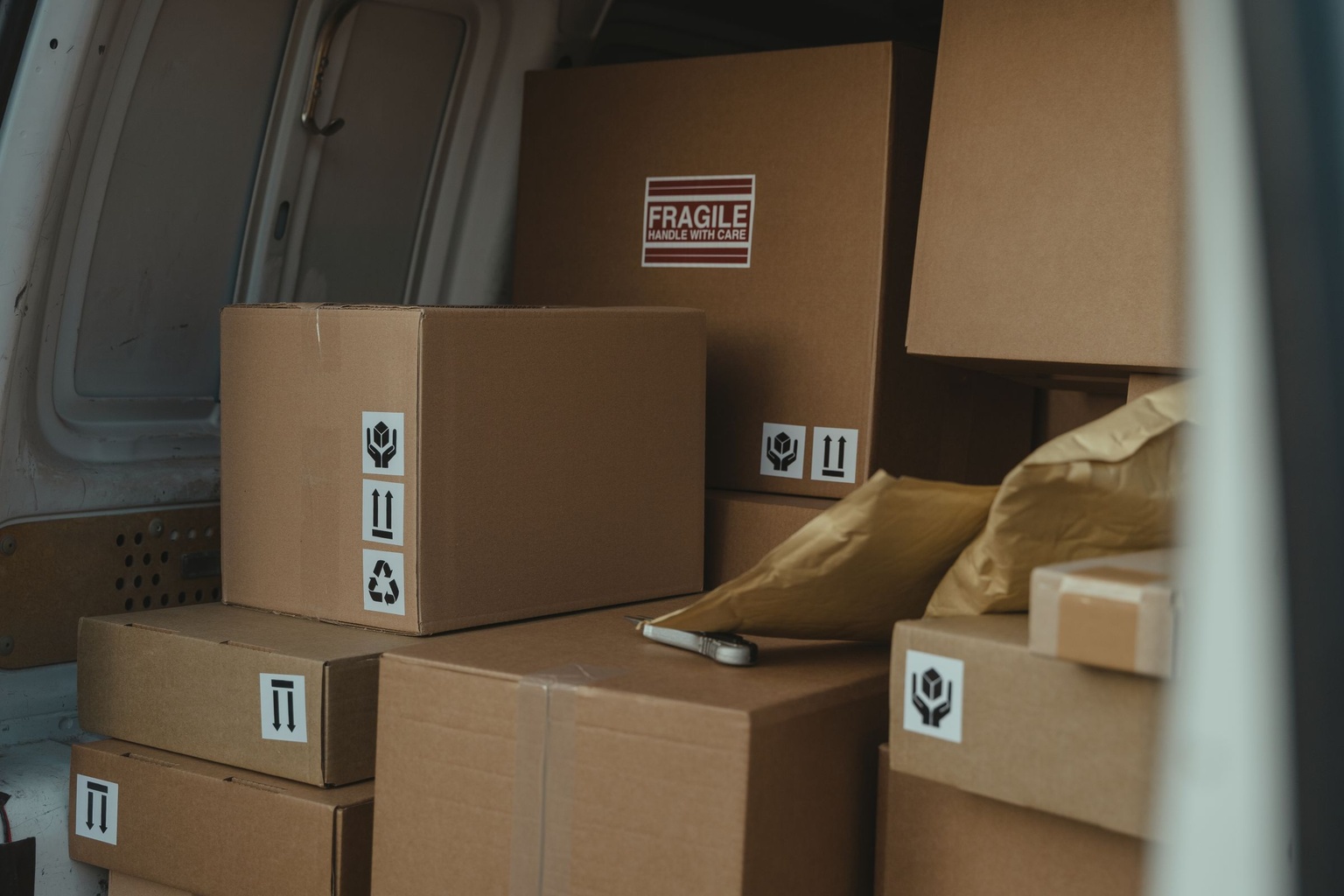
Delivery driving does not look like a business trip. It is not one drive to a client and back — it is fifteen or twenty stops in a shift, half of them minutes apart, with idle time between orders and constant backtracking through the same few miles of a city.
That pattern makes delivery driver mileage tracking harder than almost any other kind of business driving, and it is why delivery drivers so often under-claim a deduction they have genuinely earned. If you drive for DoorDash, Uber Eats, Instacart, Amazon Flex, Grubhub or a courier service, you are treated as a self-employed independent contractor — which means the deduction is yours to claim, and yours to substantiate.
Key takeaways
- Your platform’s mileage summary is not your mileage log. It generally covers active deliveries only.
- The uncounted miles are the drive to your first pickup, repositioning between orders, deadhead miles and the drive home.
- Track the shift as one continuous block rather than toggling per stop. That matches how the driving actually happens.
- Mileage is not platform-specific. Every business mile counts, whichever app generated the order.
- 2026 splits at 1 July — 72.5 cents before, 76 cents after — so the year is totalled in two parts.
Why This Works Differently
Most mileage advice assumes a few longer trips a day: drive out, drive back. Delivery work is the inverse — frequent short hops, constant stopping and starting, and stretches of driving between orders that belong to no single delivery. A tracker built for occasional business trips can struggle with it, sometimes merging two back-to-back drops into one trip or missing a delivery that involved under a minute of driving.
It is worth taking seriously before it costs money. A driver making twenty stops a night who loses a few tenths of a mile per stop to under-detection has a meaningful gap by the end of the year, multiplied across every shift.
What the Delivery Apps Miss
It is a reasonable assumption that the mileage in your earnings summary is a complete record. It generally is not. Those figures usually reflect only mileage tied to an active delivery — pickup to drop-off — rather than the whole period you were driving for work. What typically goes uncounted:
- The drive from home, or wherever your shift starts, to your first pickup.
- Miles driven waiting for an order, or repositioning to a busier area.
- The distance between dropping one order and collecting the next.
- The drive home after the last delivery.
A tracker that runs independently of any one platform closes that gap by recording the whole working period rather than the portion a platform bills you for. Exactly what each app reports varies and changes, so treat your own log as the record and the app summary as a cross-check.
App Summary Against an Independent Tracker
| Driving segment | In the app’s summary | In an independent tracker |
|---|---|---|
| Pickup to drop-off (active delivery) | Yes | Yes |
| Home to first pickup | Usually not | Yes |
| Waiting or repositioning between orders | Usually not | Yes |
| Drop-off to next pickup (deadhead) | Inconsistent | Yes |
| Last drop-off to home | Usually not | Yes |
| Combined across several platforms | No | Yes |
What Counts as Deductible
Because delivery work has no fixed office, the business-versus-commuting line sits differently than it does for an employee. Generally deductible:
- Trips to collect and drop off orders.
- Driving between deliveries, including backtracking and rerouting.
- Repositioning to a busier zone while actively available for orders.
- Miles across every platform you drive for, including when you run two at once.
Whether the first drive of the shift — home to your starting point — counts as business mileage depends on your setup, because it brushes against the same commuting rules that apply to any self-employed driver. The practical advice is to track it anyway rather than guess the split in advance: having the record lets you and your accountant apply the rule correctly, where discarding it loses data you cannot recreate. How the distinction is drawn is covered in business against personal mileage.
A Workflow for High-Stop-Frequency Shifts
1. Start the tracker before you go online in any app. Beginning at the start of the shift rather than the first delivery captures the drive to your starting point.
2. Let it run continuously. Do not stop and restart between deliveries. One continuous log is easier to review and far less prone to gaps than a series of manual sessions.
3. Classify per shift, not per stop — but keep the commute out of the block. Labelling every drop-off in real time is not realistic at delivery pace, so review the shift afterwards and mark the working block as business driving in one pass. Keep the drive from home to your first pickup, and the drive home at the end, as their own segments rather than folded inside that block. Their treatment depends on your setup, and a block that quietly contains them overstates your deductible miles.
4. Flag personal detours separately. If you stop for lunch or an errand mid-shift, mark that segment so it does not fold into the business total.
5. Compare against the platform summary weekly. Checking your tracked mileage against what the app reports for the same period catches problems early rather than in April.
6. Export monthly. A running monthly total makes quarterly estimated tax far easier than reconstructing several months at once.
This treats each shift as one tracked block rather than dozens of separate trips, which matches how the work actually happens. If your day mixes delivery with other business driving, tracking business mileage in your own car covers keeping those blocks apart.
Several Platforms, One Log
Plenty of drivers run two or three apps at once, switching by order volume. The deduction is not platform-specific: every business mile counts towards your total regardless of which app produced the order. The difficulty is bookkeeping — without a shared record you end up with three partial summaries instead of one total.
A tracker that is not tied to a single platform logs the whole driving period whichever app you are working through, which is what Way’s mileage tracker is built for. If you also drive rideshare between deliveries, rideshare mileage tracking covers that shift pattern.
Turning Shift Miles Into a Deduction
Once shifts are logged, the deduction works as it does for any self-employed driver: business miles multiplied by the standard mileage rate. For 2026 that is 72.5 cents a mile from January through June and 76 cents from 1 July, after a mid-year adjustment the IRS attributed to fuel costs. Because the rate moved partway through the year, the two periods are totalled and calculated separately rather than blended.
The deduction is reported on Schedule C and reduces both income tax and self-employment tax — 15.3% on net earnings, being 12.4% for Social Security and 2.9% for Medicare — because it lowers net profit before either is worked out. For the calculation in full, see how to track mileage for taxes, and for the wider Schedule C picture, self-employed mileage tracking.
Records That Hold Up
Delivery driving generates a high volume of trips, which makes recordkeeping more important rather than less. Records should be contemporaneous — created at or near the time of the driving — and carry the date, the distance, the place and a business purpose.
That “place” element is the awkward one for a twenty-stop shift, and it is worth being straight about it: a single line reading “delivery shift” records the purpose but not where you went. The practical middle ground is to keep the GPS trace, which holds the route and the stops, and to note the platform and the area or zones covered against the shift — so the entry says what the driving was for and the underlying record can show where it happened. How far a log can aggregate stops rather than itemise them is the kind of question worth putting to your tax preparer for your own volume, rather than assuming one line will do.
Keep the records at least three years after filing the return that claims the deduction, and store them yourself rather than relying on a platform’s history, since earnings summaries are not guaranteed to stay accessible. What a compliant log contains is set out in keeping an IRS mileage log.
If you have been relying on the app’s estimate, the fastest fix is starting an independent tracker on your next shift rather than trying to rebuild past weeks from memory.
Frequently Asked Questions
Do delivery apps track my mileage accurately for taxes?
Not completely. Platforms generally report mileage tied to active deliveries, which leaves out the drive to your first pickup, time between orders and the trip home. A separate tracker is usually needed for a full record.
Can I deduct mileage from more than one platform in the same year?
Yes. All business mileage counts towards the deduction whichever platform generated the order, provided it is tracked consistently across all of them.
Should I track miles while waiting between orders?
Driving while actively available for orders, including repositioning to a busier area, is generally part of your business driving. Track it and let your tax preparer confirm how it applies to your circumstances.
What is the 2026 rate?
72.5 cents a mile January through June, then 76 cents from 1 July after a mid-year adjustment.
Do I still need my own log if the app shows mileage?
Yes. Those summaries typically undercount your actual business mileage, and they were not designed as tax records. Your own log is the one that has to stand up.
Does the drive home at the end of a shift count?
It depends on your setup and how the commuting rules apply to you, which is why it is worth tracking rather than discarding. Keep the record and let your preparer decide how to treat it.
How do I handle very short trips between drop-offs?
Let the tracker run through the whole shift rather than stopping and starting between deliveries, then classify the block at the end, which is how Way’s mileage tracker is designed to be used.
Get 10% off in the Way App in the Way App!

- Scan and get the Way App Download the Way App
- Log in to your account
- Use code FIRST10 at checkout